
Car Loan Calculator
Calculate your monthly EMI and repayment breakdown
Plan Your Car Loan
Plan your down payment, monthly EMI and total repayment.
Estimate your monthly instalment and total repayment before buying a car.
Estimate Your Monthly EMI
Monthly instalment estimate
Enter your loan details to estimate the monthly instalment before buying your car.
Use the loan amount, annual interest rate and term to estimate your monthly instalment.
Plan Your Down Payment
Down payment planning
See how much you need to borrow after paying part of the car price upfront.
Calculate how much of the vehicle price you will pay yourself and how much you need to borrow.
Understand Your Total Repayment
Total repayment estimate
View estimated interest, loan repayments and your total outlay including down payment.
Review the total cost of principal, interest, down payment and any extra fees you enter.
Car Loan Calculator
Enter the vehicle price, down payment and the annual interest rate offered by your lender.
Estimated Loan Summary
Estimated monthly instalment
This estimate assumes a fixed interest rate and equal monthly instalments, starting after one month. Actual amounts may vary with the lender’s fees, terms and calculation method.
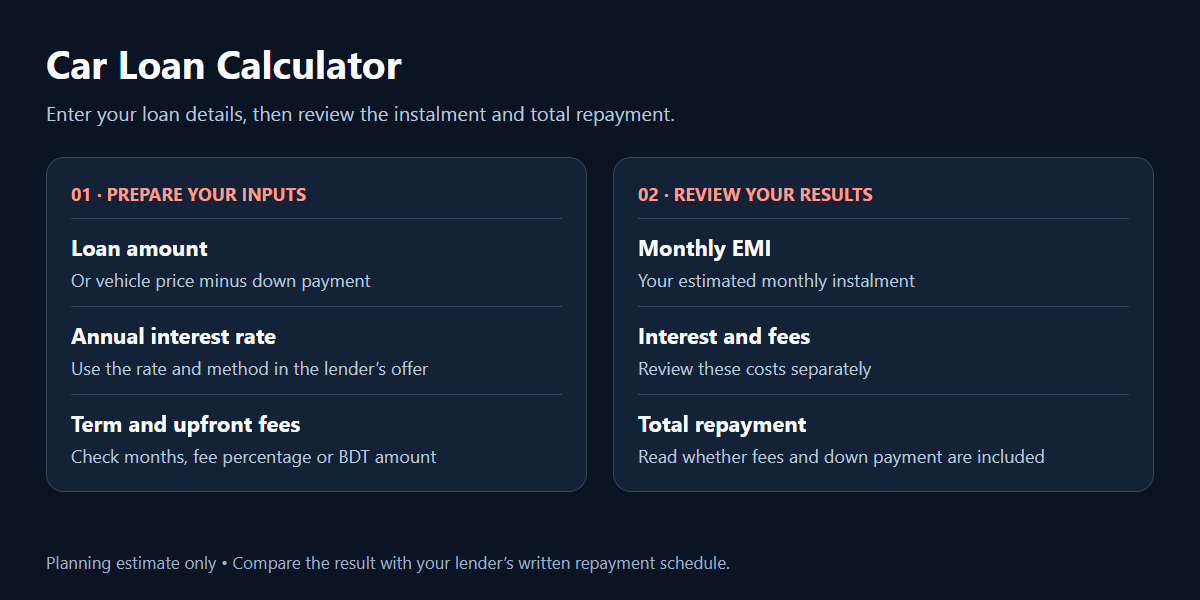
How to use this Car Loan Calculator
Understand your car budget, then compare loan terms. Read the guide below in your selected language.
Get started with the Car Loan Calculator
The lamp calculator uses a reducing-balance method. Select the circle beside the value you want to calculate, then enter the other three values. You can estimate the monthly EMI, loan amount, annual interest rate or repayment period. Click the lamp to open or close this calculator. Processing fees can be entered as a percentage of the loan or as a separate BDT amount.
To open the first calculator, click the lamp. Select the circle beside the value you need, then enter the other three values. It can estimate the monthly instalment, loan amount, annual rate or term. Fees can be entered as a percentage or in BDT. Use the rate in your lender’s offer; example values are not a bank offer.
For a vehicle-price-based estimate, open any of the planning cards and choose the Loan Calculator tab. Enter the vehicle price and down payment; their difference becomes the loan amount. Select an interest method, enter the term in months, and add any upfront fees you know. Twelve months equal one year. This second calculator does not solve backwards for a target EMI.
Car Loan Calculator interest methods
With reducing balance, monthly interest is calculated on the remaining principal. A payment covers that month’s interest and reduces the outstanding loan. With flat rate, interest is calculated on the original principal for the full term. The same quoted annual percentage therefore does not produce the same total interest under both methods. Select the method stated in the lender’s offer.
Reducing balance calculates interest on the outstanding loan. Flat rate calculates interest on the original principal for the whole term. The same percentage does not mean equal borrowing costs under both methods. Select the appropriate method in the second calculator. The lamp calculator uses reducing balance only.
Both estimates assume a fixed annual interest rate and monthly payments, with the first instalment due after one month. If a lender changes rates during the term, uses daily interest or offers a different repayment structure, the actual schedule may differ. A zero-interest input divides the principal across the payment months. The calculator does not determine your eligibility or approve a loan.
Understand your Car Loan Calculator results
In the lamp calculator, Total Payment includes the principal, calculated interest and processing fee. Its chart shows principal and interest only. Fees are treated as paid separately rather than borrowed, so interest is not charged on them. The Details table displays each month’s principal, interest and remaining balance. If you solve for tenure, it rounds up to a whole month and reports the final payment separately.
The first calculator’s total payment includes principal, interest and processing fees; the chart excludes fees. The second shows loan repayment separately, then adds down payment and upfront fees to total cost. Use the same inputs and reducing balance to compare instalments across the calculators, and read each total-payment label carefully.
The planning-card calculator shows Total Loan Repayment as principal plus interest. Total Cost Including Down Payment then adds your down payment and upfront fees. Insurance, registration, taxes, recurring charges and late-payment costs are not added automatically. Include relevant upfront costs in the fee input only when appropriate, and account for other expenses separately when planning your budget.
Compare Car Loan Calculator estimates
Use the Car Loan Calculator to compare one change at a time: down payment, interest rate or term. Review both the instalment and the total repayment. A lower monthly amount is not enough information to compare two offers. Check the stated method, fees and payment dates against the lender’s written repayment schedule before relying on an estimate.
Change your down payment, term or interest rate one at a time. Compare total repayment as well as monthly instalments. This is a planning estimate, not loan approval, a lender’s quote or a guarantee of vehicle condition. The site is in beta. Compare the estimate with your lender’s repayment schedule.
Vehicle history is a separate part of your research. Explore our auction sheet verification page for currently available options, check the year of manufacture tool, or learn about Auction Sheet Verify. An auction record does not replace a physical inspection.
For general educational material on comparing auto loans, see the CFPB auto loan resources. This US resource provides general background; it does not set lending rules or rates in Bangladesh. For local terms, use the documents supplied by your lender.
Questions about this tool? support@auctionsheetverify.com